Anniversary Romantic Keepsake
A Year of Us
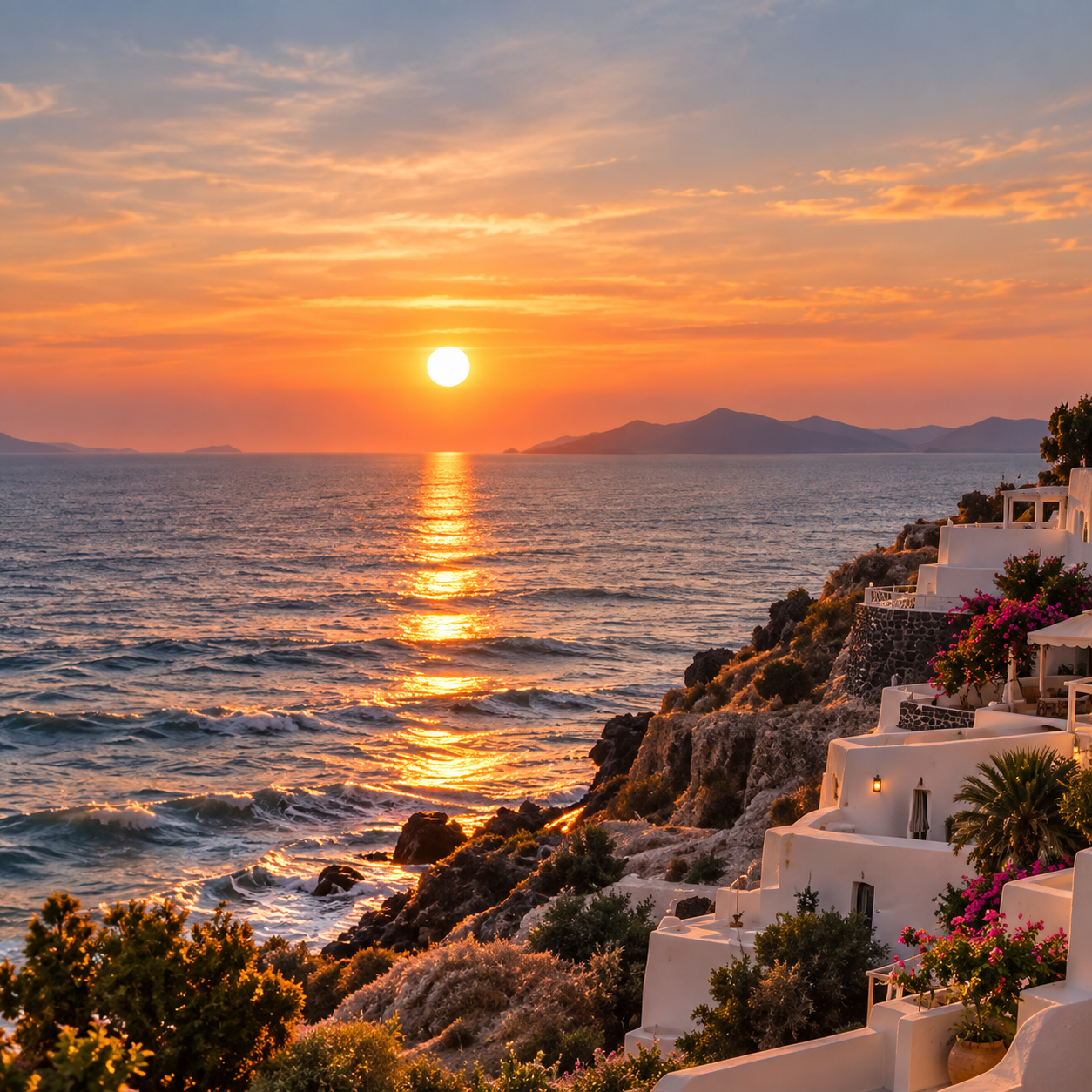
A rose-pink seal opens onto favorite photos, a sunset video, and a soft piano track.
Choose a designer-crafted theme, add your favorite photos, music, videos and voice, and surprise someone with a beautifully animated letter made just for them.
Designer-Crafted Themes · Cinematic Opening · Photos, Video, Music & Voice · Share at the Right Moment
Write and preview for free without an account. Share letters made with the free theme.
Examples
Break the seal on three different designs. Read the letters, browse their photos, and play the music, video, or voice note inside.
Fictional letters with sample media.
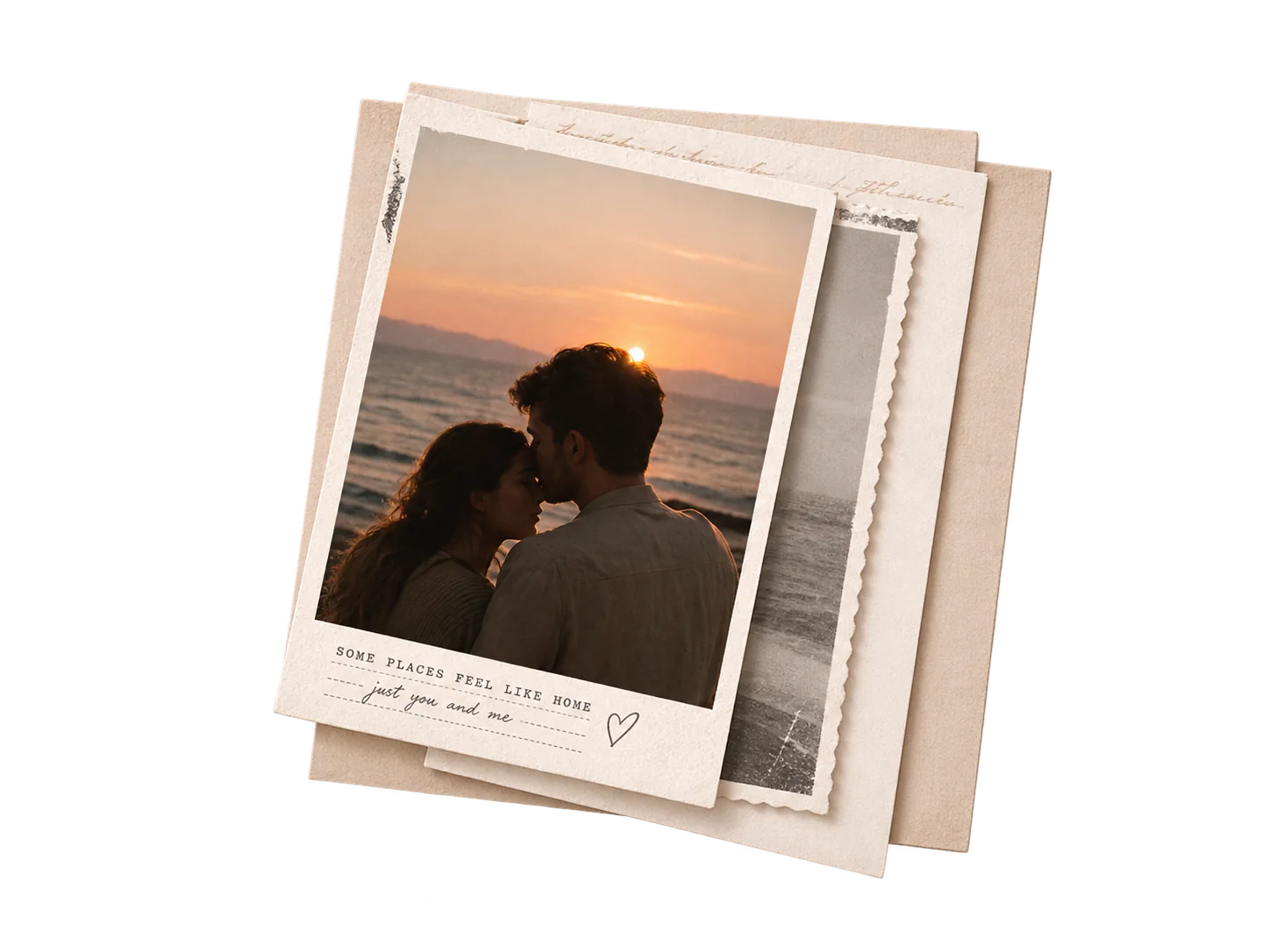
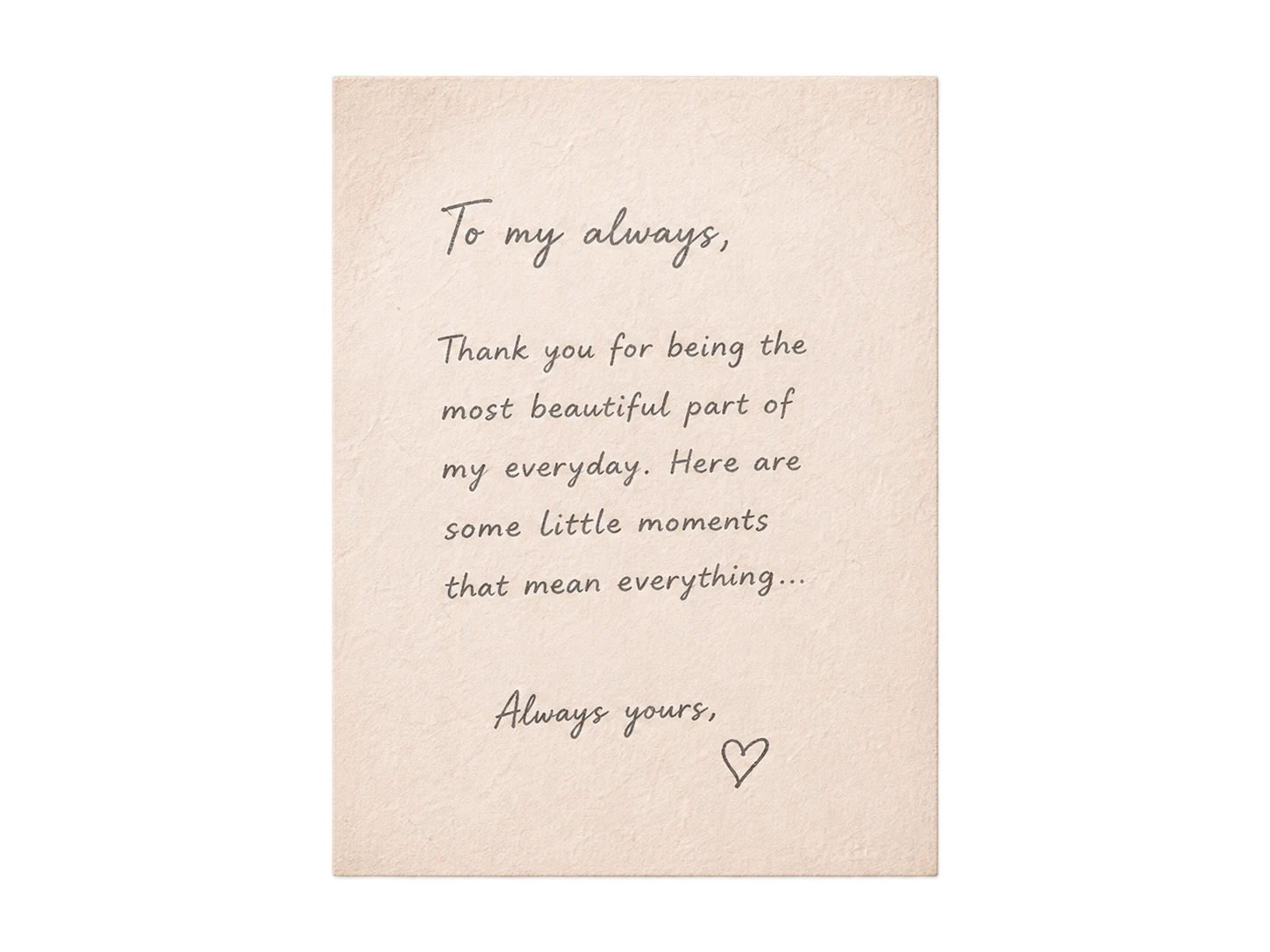
Anniversary Romantic Keepsake
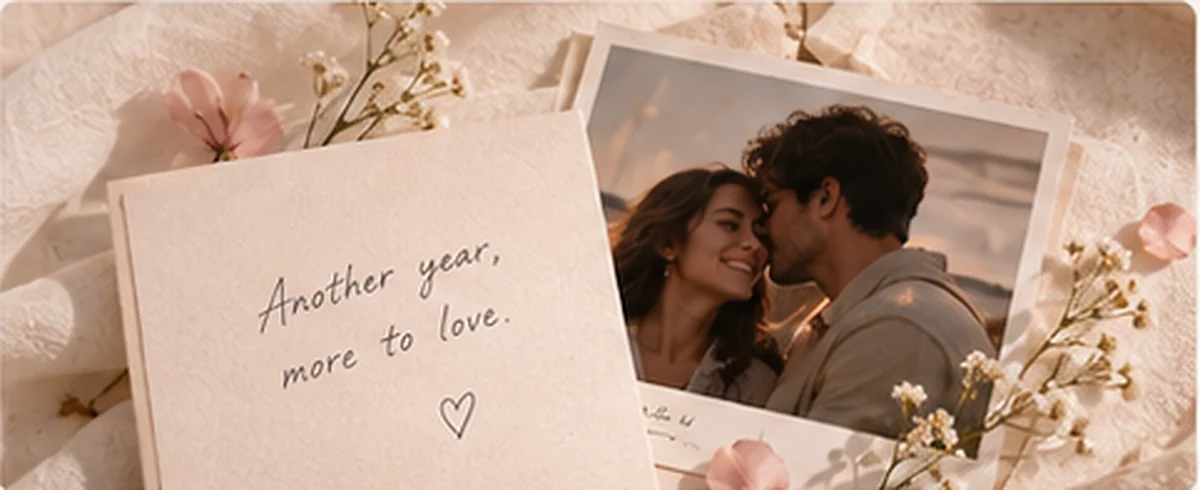
A rose-pink seal opens onto favorite photos, a sunset video, and a soft piano track.
Long Distance Airmail Blue
Open a blue airmail envelope to find a sunset photo and hear a voice note from far away.
Just Because Postcard Memories
An illustrated postcard, a favorite photo, and a song turn an ordinary day into an occasion.
THE LITTLE THINGS ARE EVERYTHING
Personalized love letters begin with details only you can give: a first date, a small kindness, a joke you still share. Choose what to include and edit every word yourself.
Turn your real memories into a one-of-a-kind love letter, not generic phrases.
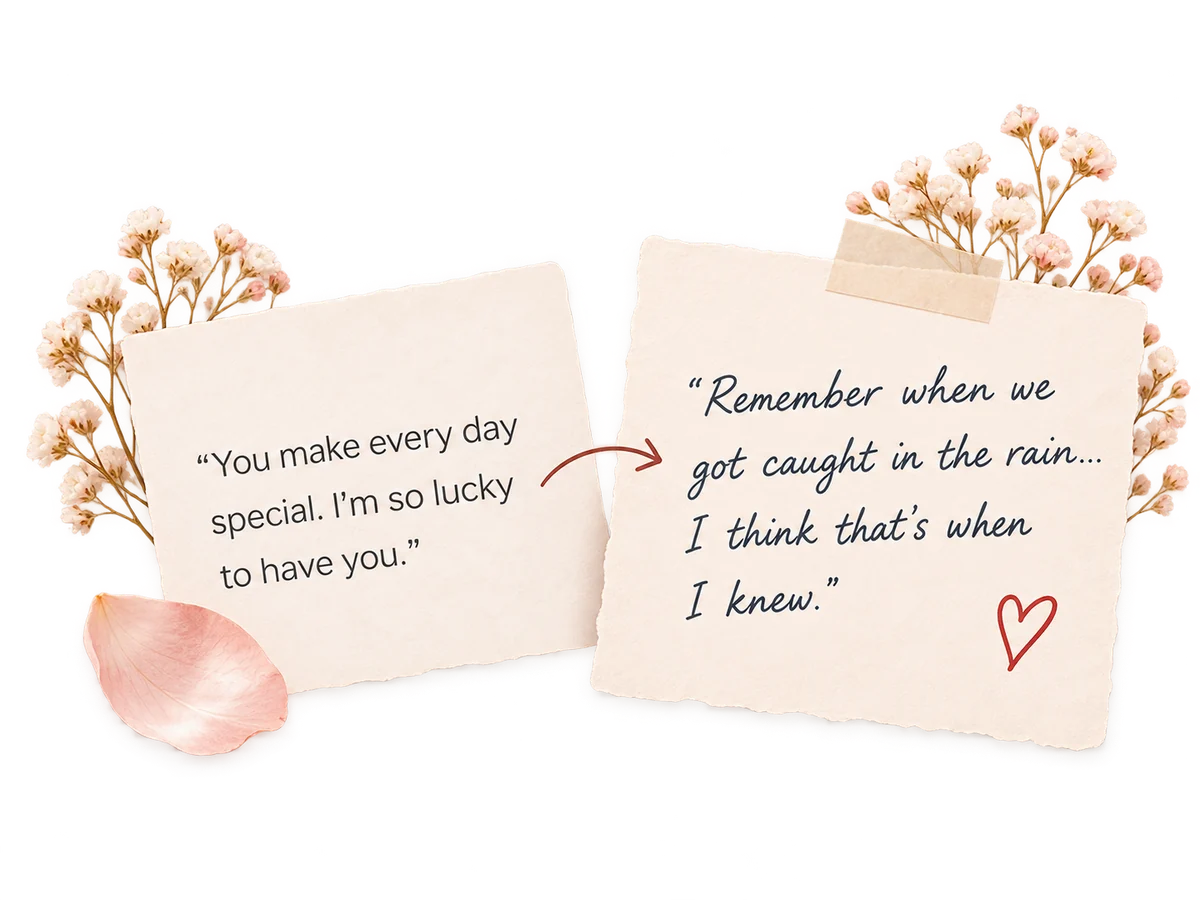
Use these questions to find a starting point. AI Assistant can turn your memories into a draft, and the editing tools can polish it, make it more romantic, shorten it, or make it more personal.
A few questions to get you started
A favorite photo. A note in your handwriting. A few words spoken in your own voice. Sometimes the smallest details mean the most.
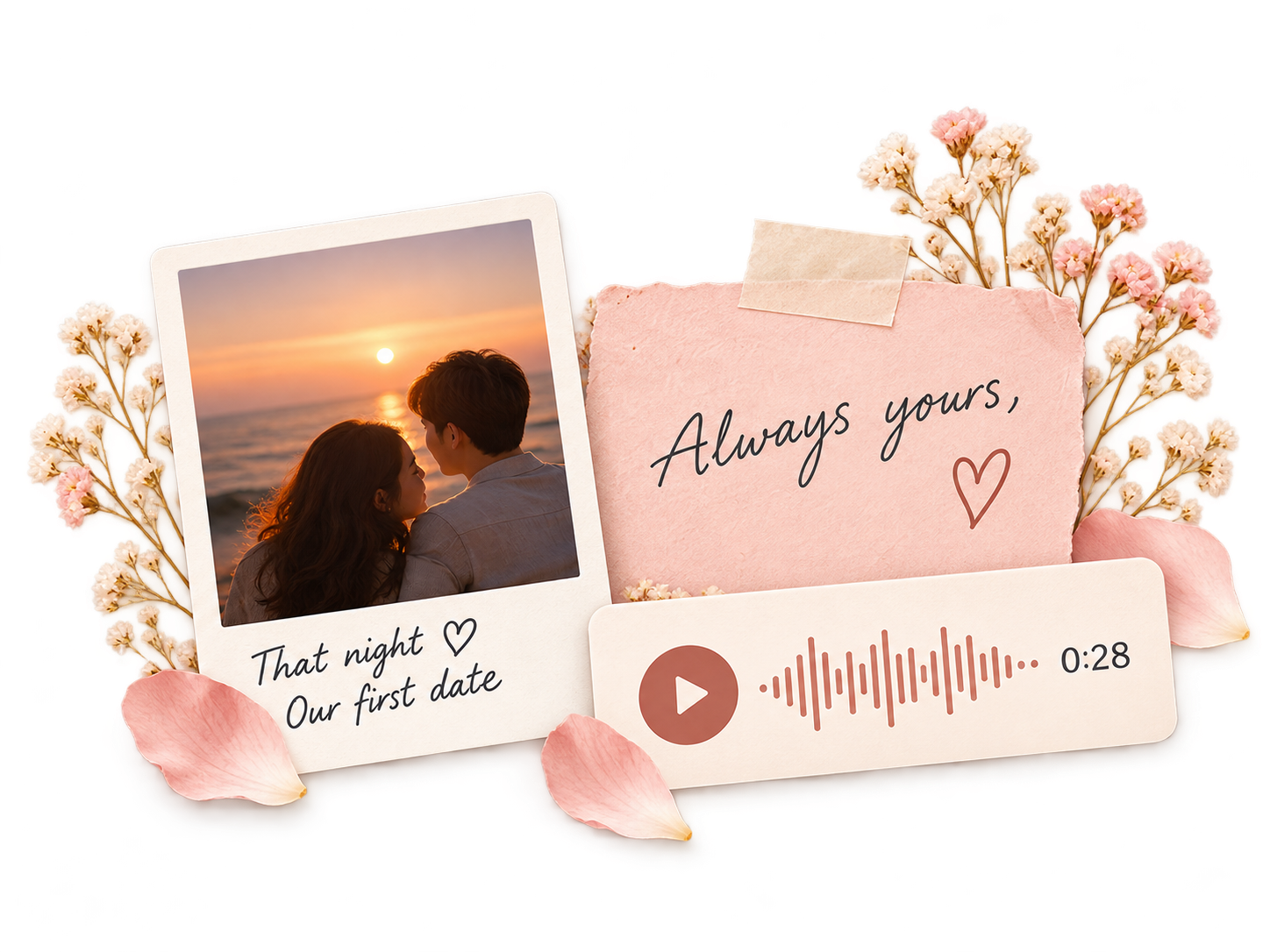
SIMPLE TO CREATE. SPECIAL TO RECEIVE.
From your favorite memories to the moment they open your letter, every step is made simple. Make it personal, see exactly what they'll experience, and know what to expect before you send.
Open the editor without an account. Write your letter, choose one of five themes, and select a handwriting-style font.
Add photos, a song, a video, or your voice in the media step. Use your own material and check the current format and size limits before uploading.
Choose an opening time in Access settings and share the link ahead of time. Once the time arrives, recipients can open the letter according to its access settings.
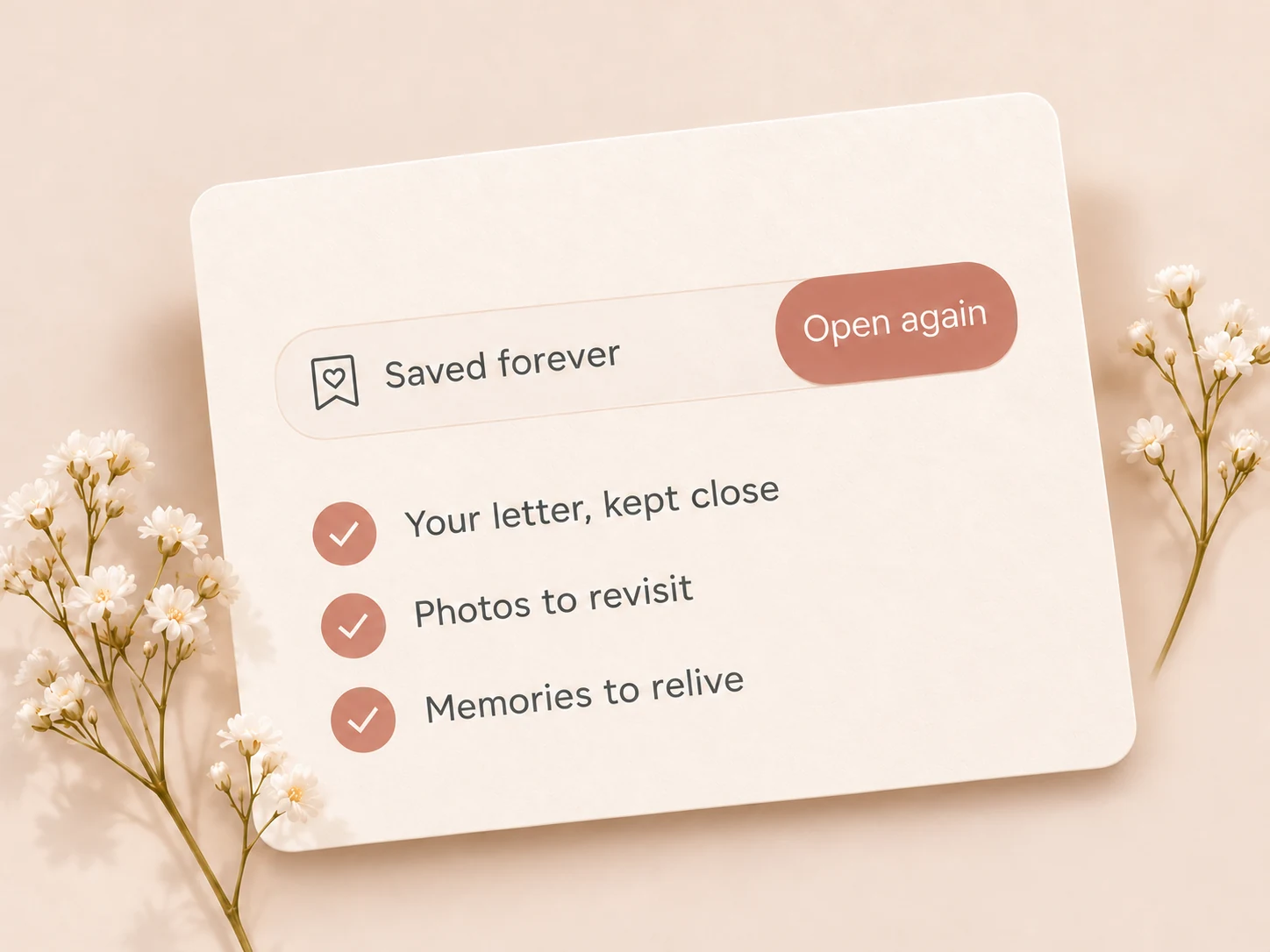
Give the moment a place of its own. You can revisit the letter while its share link is active and you meet its access settings.
Your story. Your words. A little surprise made just for them.
FOR EVERY KIND OF LOVE
Choose a moment, then read prompts, a fictional example, and practical sending advice. A letter can support care; it cannot replace it.
View All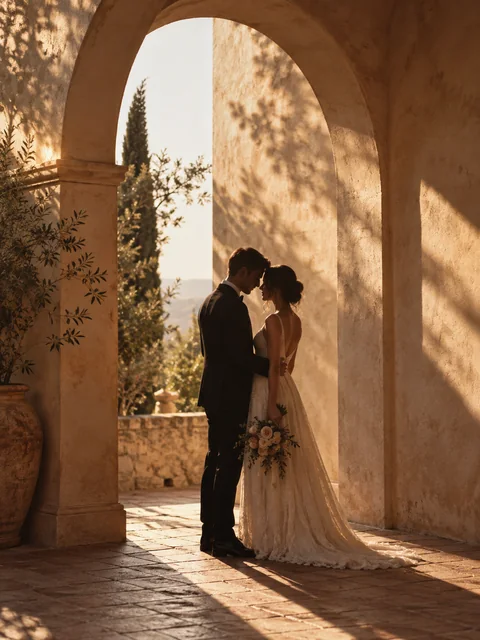
Another year, another chapter of us. Celebrate the little moments that made your love story yours.
Explore Anniversary Letters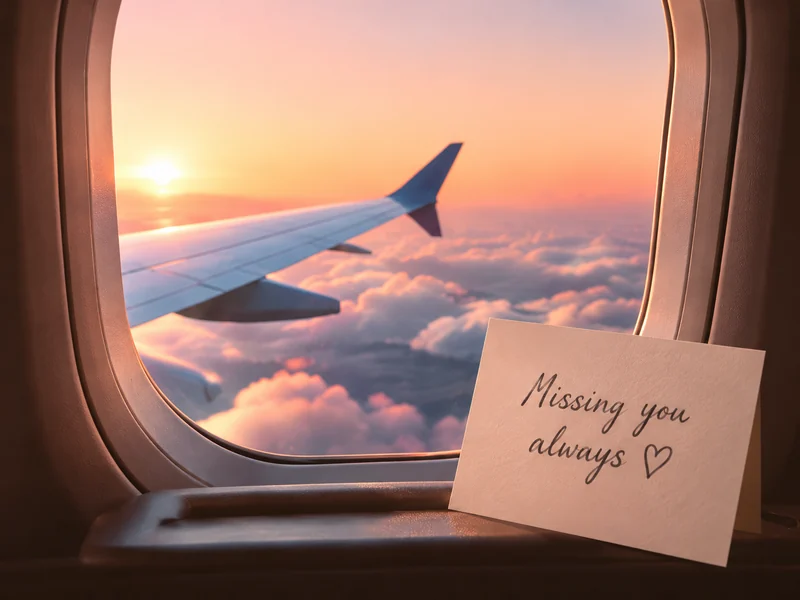
Miles apart, close at heart. Send a letter filled with the memories, inside jokes, and little things you miss most.
Explore Long Distance Letters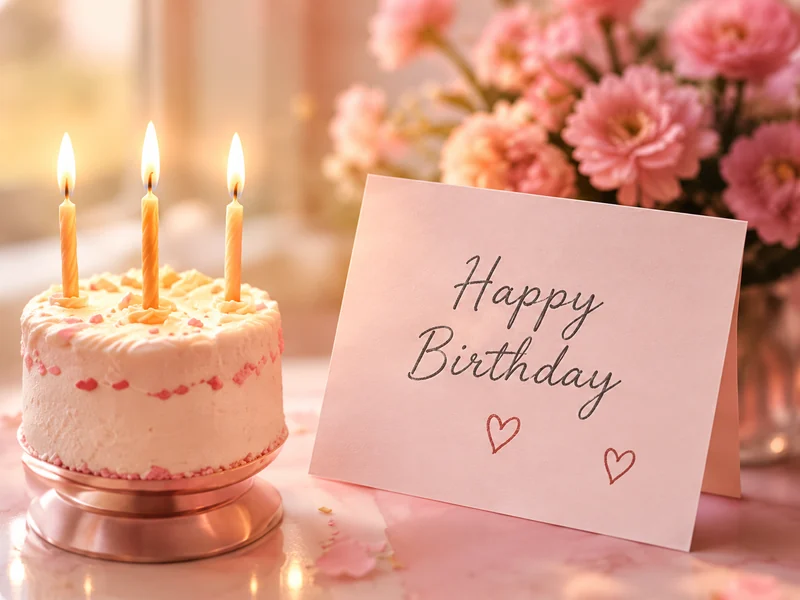
Make their day a little more personal. Bring back a favorite photo, a funny memory, and all the reasons you're glad they're in your life.
Explore Birthday LettersMore than just three little words. Tell them what you love about them, in the words only you could write.
Explore Valentine's LettersLove doesn’t need an occasion. Just a little reminder that they're loved, appreciated, and always on your mind.
Explore Just Because Letters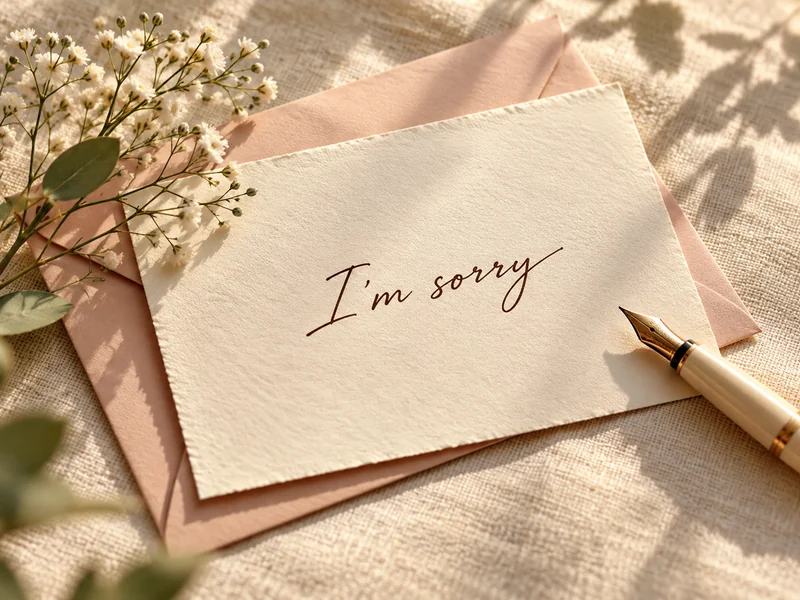
Some words deserve care. Acknowledge the hurt, say what you wish you'd done differently, and share how you'll make a change.
Explore Apology Letters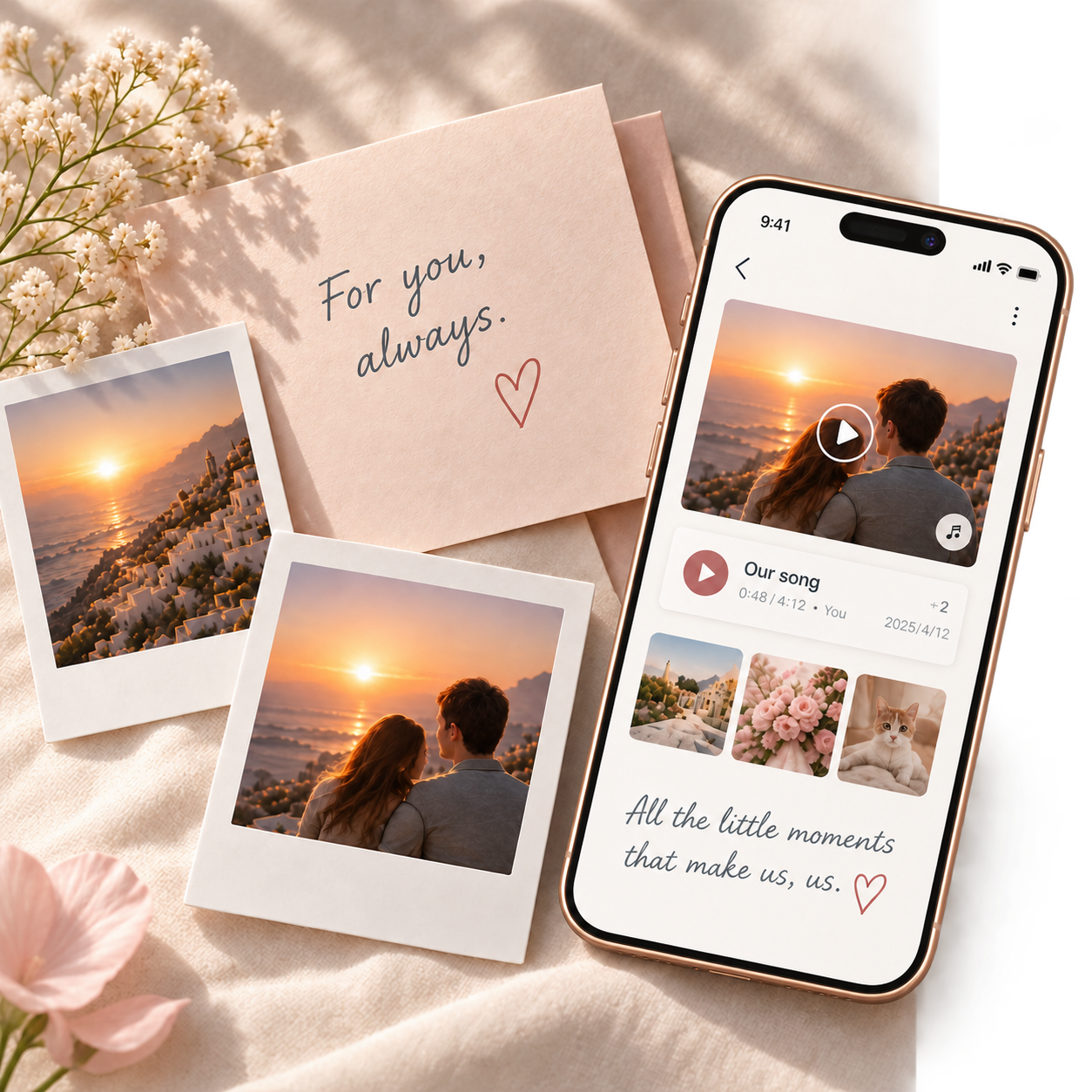
LITTLE MOMENTS, WORTH KEEPING
Make a love letter with photos and music they can revisit. Your private Story can hold more memories over time, and you can keep updating the published letter at the same link. Recipient replies and shared editing are not available yet.
More Than Words on a Screen
A love letter with photos and music brings back the moments words alone can't capture. Your favorite picture, the song that's always been yours, and the little details that make every memory feel close again.
Your Story Doesn't End Here
Keep adding photos and notes to your Story as new memories unfold. Update your published letter whenever you like, without changing the link they already have.
Made with love. Kept for all the moments still to come.
CHOOSE WHO CAN OPEN YOUR LETTER
When you share a love letter online, you're sharing more than words. You're sharing personal memories, favorite photos, and feelings meant for someone special.
Before sharing a digital letter, check who can open the link, how attachments are shared, and which access settings you can change.
A Little Link, Just for Them
By default, anyone with the link can open the letter while it is available, including anyone who receives a forwarded link. In Access settings, you can require a password or the answer to a question, or limit access to the first recipient browser that actively opens the letter. Recipients can read without signing in.
KNOW WHO CAN SEE YOUR ATTACHMENTS
Attachments shared with the letter follow its access settings. Legacy public attachments are hidden from recipients until the author moves them to private storage. Their original public addresses may still work. Recipients can save files or take screenshots.
Your Letter, Clear Choices
In My Letters, you can change access settings, revoke or replace the share link, set an expiry, reset the first browser, or delete the letter.
NO ACCOUNT NEEDED TO READ
Recipients can use the link without an account. If you set a password, a question, a first-browser limit or an opening time, those settings still apply.
Your words. Your memories. Shared with care.
FREE & PREMIUM
Send a simple note for free, or make the moment they open it part of the gift with Premium.
Start with the free editor. Pay once to publish each Premium letter.
A text-only letter in the free theme.
No letter publishing fee · No subscription
An unforgettable, designer-crafted digital keepsake.
Introductory price · One-time payment per letter
Writing and previewing are free and require no account. Sign in to publish. The free theme supports free, text-only publishing. Recipients can read for free without signing in if they meet the letter’s access settings.
Hosting duration is unspecified for both plans. For retention and deletion details, see our Terms.
| Features & usage | Free | Premium |
|---|---|---|
| Price | $0 | $19.90 introductory · $29.90 regular per letter |
| Text love letter | One letter | One letter |
| Letter themes | One free theme | 4 illustrated Premium themes |
| Photos | Not included | Included |
| Background music | Not included | Included |
| Voice message | Not included | Included |
| Video message | Not included | Included |
| Revoke or replace published share links in My Letters | Included | Included |
| Edit after sharing | Auto-save to the same link, with version history | Auto-save to the same link, with version history |
| Subscription fees | None | None |
In My Letters, you can change access settings, revoke or replace the share link, set an expiry, reset the first browser, or delete the letter. Links have no expiry by default. Revoking a link or letting it expire blocks new recipient access to the letter and protected attachments. Revocation and expiry leave the stored letter and its files in place. Hosting duration and backup deletion schedules are unspecified.
When recipients can open the share link, they see the latest saved version. Edit the letter in My Letters, where you can also view or restore previous versions.
Premium publishing is a one-time Stripe payment per letter in USD ($19.90 introductory, $29.90 regular). Submitting a Premium letter saves it to your account. Pay in the editor or My Letters to make the share link available.
A FEW THINGS YOU MIGHT WONDER
Everything you need to know before creating, personalizing, and sharing your letter.
Contact UsAbout the editor, Premium publishing, and sharing.
It's a personal letter you create online and share with someone special through a link. Instead of sending a plain message, you can turn your words and favorite memories into a thoughtful experience they'll love opening.
Choose Create Your Love Letter, then enter the recipient, signature and message. Choose a theme, add media if you use a Premium theme, and preview the opening experience. Drafts stay in this browser.
Start with three details: a shared moment, something small you appreciate, and a time they supported you. Connect those details in your own words, read the letter aloud, and remove anything you would not normally say. You can change every word, add photos and your voice, and choose a theme and font.
To share manually, copy the published link and send it yourself through WhatsApp, email, or another channel you use.
Set an opening time in Access settings and share the link in advance. Recipients can read the letter from that time if they meet its access settings. Setting an opening time alone leaves delivery to you.
When email delivery is available, you can schedule ForHoney to email the share link from My Letters → Access for a letter published from your account. Choose a send time separately from the opening time. If the letter requires a password or an answer, send it separately to the recipient.
After signing in, you can use AI Assistant to write a draft from your memories. The editing tools use AI to polish, shorten, or adjust the tone of your letter. You can review and edit the result before sharing it.
Premium supports up to four gallery photos plus a separate keepsake photo. JPEG, PNG and WebP are accepted, up to 5 MiB each. A Premium letter can include one MP4, WebM or MOV video up to 50 MiB. All attachments together can total up to 96 MiB per published letter. A Premium letter can include one music track and one voice message, up to 20 MiB per file. Supported formats are MP3, WAV, M4A, OGG, FLAC, AAC and WebM audio. Browser recording stops at five minutes. Optional music generation requires sign-in and an available configured provider.
Writing and previewing are free and require no account. Sign in to publish. The free theme supports free, text-only publishing. Recipients can read for free without signing in if they meet the letter’s access settings.
By default, anyone with the link can open the letter while it is available, including anyone who receives a forwarded link. In Access settings, you can require a password or the answer to a question, or limit access to the first recipient browser that actively opens the letter. Recipients can read without signing in. Attachments shared with the letter follow its access settings. Legacy public attachments are hidden from recipients until the author moves them to private storage. Their original public addresses may still work. Recipients can save files or take screenshots.
When recipients can open the share link, they see the latest saved version. Edit the letter in My Letters, where you can also view or restore previous versions. In My Letters, you can change access settings, revoke or replace the share link, set an expiry, reset the first browser, or delete the letter.
Writing and previewing are free and require no account. Sign in to publish. The free theme supports free, text-only publishing. Recipients can read for free without signing in if they meet the letter’s access settings. Premium publishing is a one-time Stripe payment per letter in USD ($19.90 introductory, $29.90 regular). Submitting a Premium letter saves it to your account. Pay in the editor or My Letters to make the share link available.
Links have no expiry by default. Revoking a link or letting it expire blocks new recipient access to the letter and protected attachments. Revocation and expiry leave the stored letter and its files in place. Hosting duration and backup deletion schedules are unspecified.
Still have something on your mind? We're here to help.
Contact UsA PERSONAL LITTLE GIFT
Turn your words, photos, music, and memories into a beautiful digital love letter, and share it with one simple link.
A LITTLE SOMETHING, JUST FOR THEM
The little moments, the shared laughter, the things only you two understand. Turn them into a personalized digital love letter they'll love opening.
Create your love letter online, see it through their eyes, and send a little piece of your story.
Free to write and preview. No account needed to start. Review sharing limits before publishing.